Skip to content

Projectors

No listing on this page states a brightness figure or a throw ratio. That removes the two comparisons people arrive wanting to make, so this page does not make them. What is left is what each listing actually says, and it repays reading slowly.

Stated and not stated

Stated

  • Resolution, in the exact words each listing uses
  • Whether apps or a streaming platform run on the projector itself
  • Focus and keystone behavior, where a listing describes it
  • Connections: HDMI, USB, Bluetooth, WiFi
  • Whether a screen is included in the box

Not stated

  • ANSI lumens, or any other brightness figure
  • Throw ratio
  • Contrast ratio
  • Lens shift
  • Fan noise
  • Native resolution, on the listings that state only what is supported

Core job

Put a picture on a wall from a box you can move, and state plainly what that picture is.

Subgroups

  • Built-in streaming

    Apps run on the projector itself. Nothing else has to be plugged in for something to appear on the wall.

  • With an external source

    A stick, a console, a laptop or a phone provides the picture. The projector is the lens and the lamp and nothing else.

Buying order

  1. Measure the depth of the room and tape the image width you want on the wall. Nothing about a projector is decided before those two exist.
  2. Work out the throw ratio range your room needs, then take it to the manufacturer documentation for the models you are considering. It cannot be checked against anything on this page.
  3. Decide whether the source is built in or plugged in. That is the one thing every listing here does state clearly.
  4. Look at the room at the hour you would actually watch, with the lights and curtains you actually have. Projectors are planned in daylight and used at night, and the gap catches people out.
  5. Treat everything a listing does not state as unknown rather than as ordinary. On this page that includes brightness, and brightness is what decides whether the picture survives the room.

Skip these

  • Any brightness comparison between the projectors here. No listing states a figure, so a comparison would be invented rather than reported.
  • A projector for a room you have not measured. Image width follows from lens distance, not from preference.
  • A projector for a room with an uncovered window facing the screen wall, unless you already know how the window is getting covered.
  • Cables bought at the same time, before you know where the projector will sit and how far it is from the source.
  • Reading a model number suffix as a statement about specification. A shared suffix is a naming convention, not a claim about what is inside.

Category cautions

Stop

Do not look into the lens of a running projector, and keep children away from the front of it. That holds at every distance, in every room, and for every model.

Stop

A projector on the ceiling is held by the ceiling. That is the same problem as a panel on a wall: if you cannot confirm what is behind the surface, stop and bring in an installer.

Note

Brightness, throw ratio, contrast and fan noise are absent from every listing on this page. They are not estimated here, and no typical figure is substituted for them.

Built-in streaming

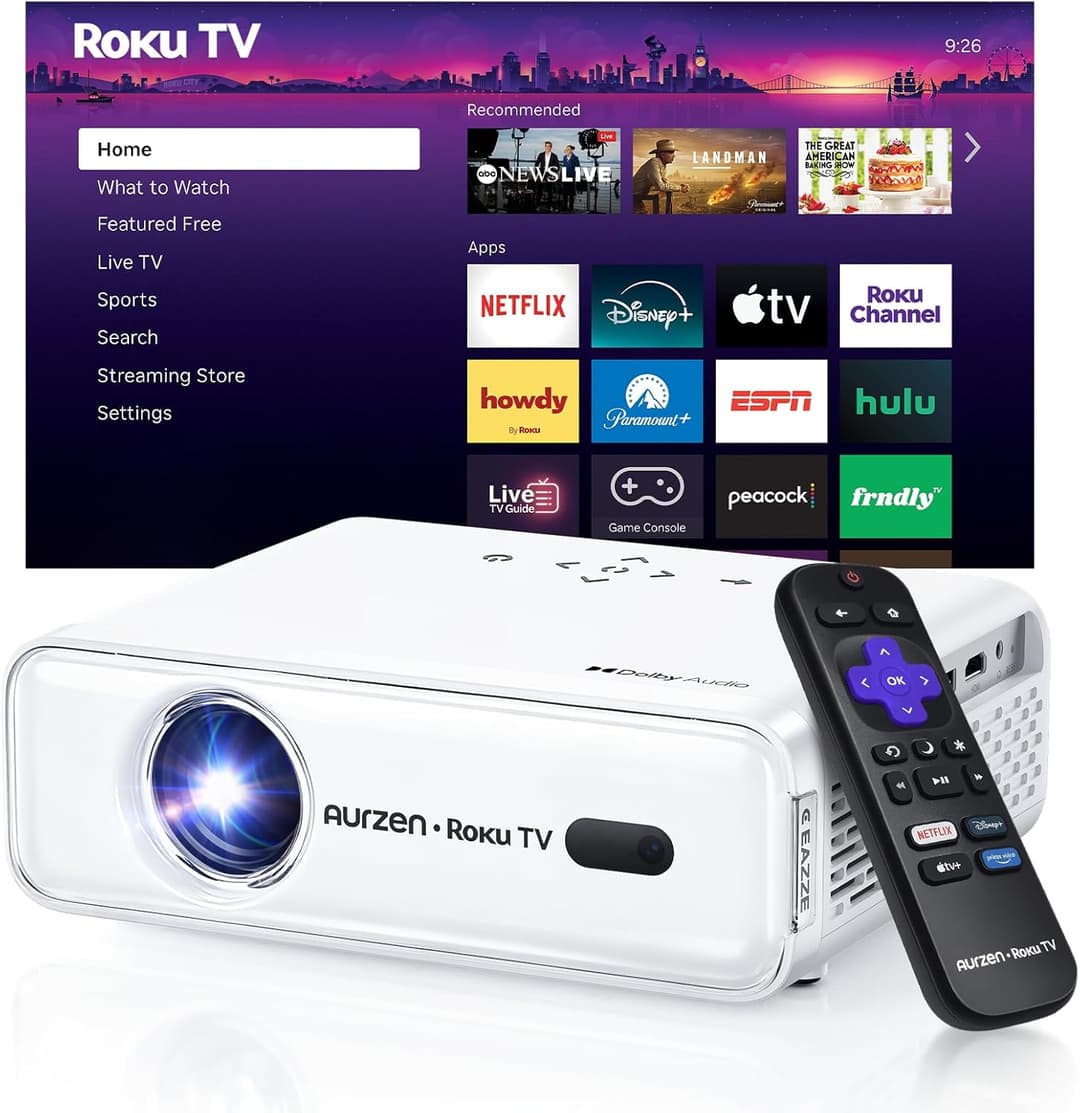
Aurzen D1R Roku TV Portable Projector, Projectors

Names the built-in platform

Aurzen D1R Roku TV Portable Projector

Built-in streaming

The listing states

  • Roku TV built in
  • 1080p FHD
  • WiFi and Bluetooth
  • Dolby Audio
  • Auto focus
  • Auto keystone
  • Zoom

The listing names Roku TV as the platform running on the projector. The other listing with apps built in does not name what those apps run on.

View on Amazon
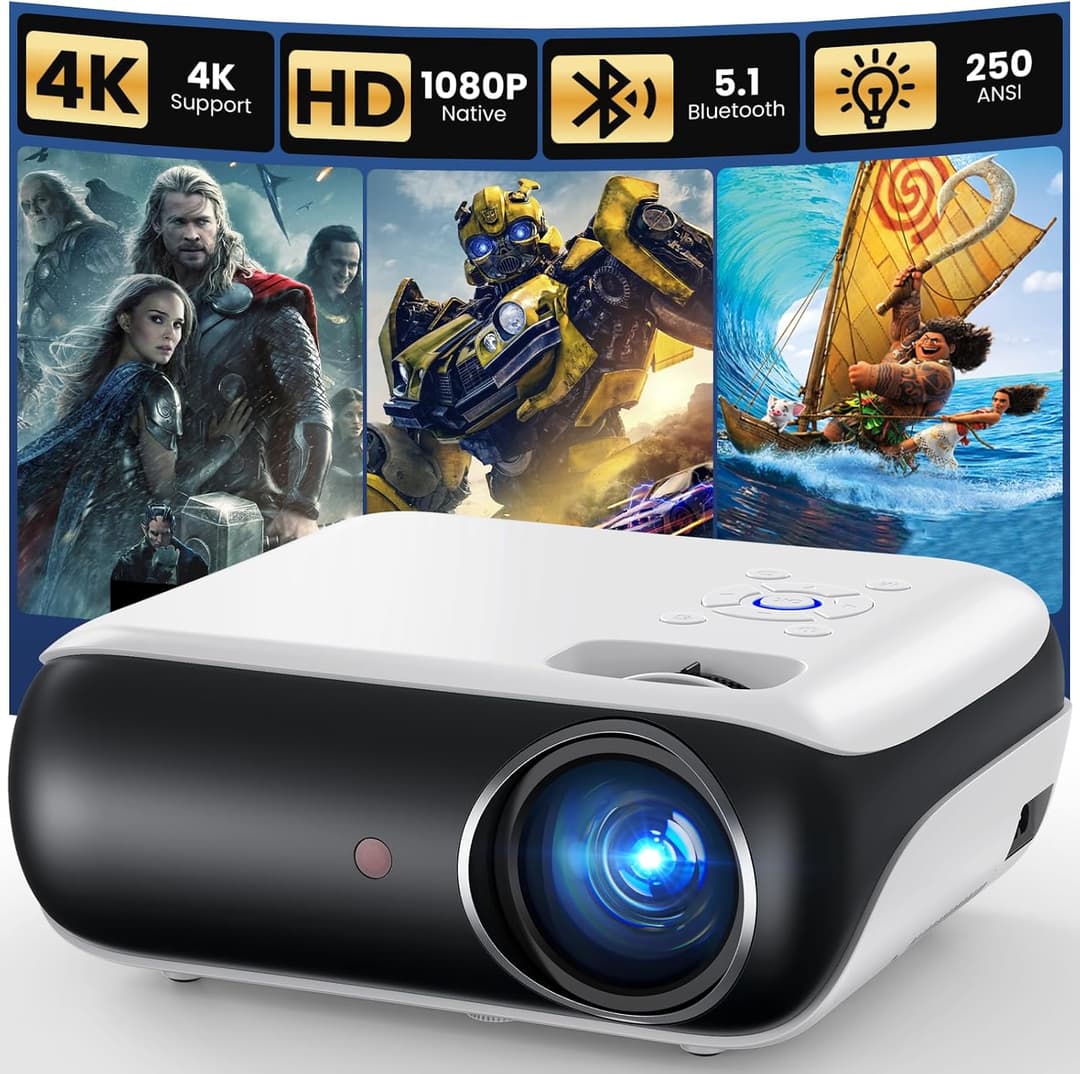
Mini Projector with WiFi and Bluetooth, Projectors

Only stated electric focus

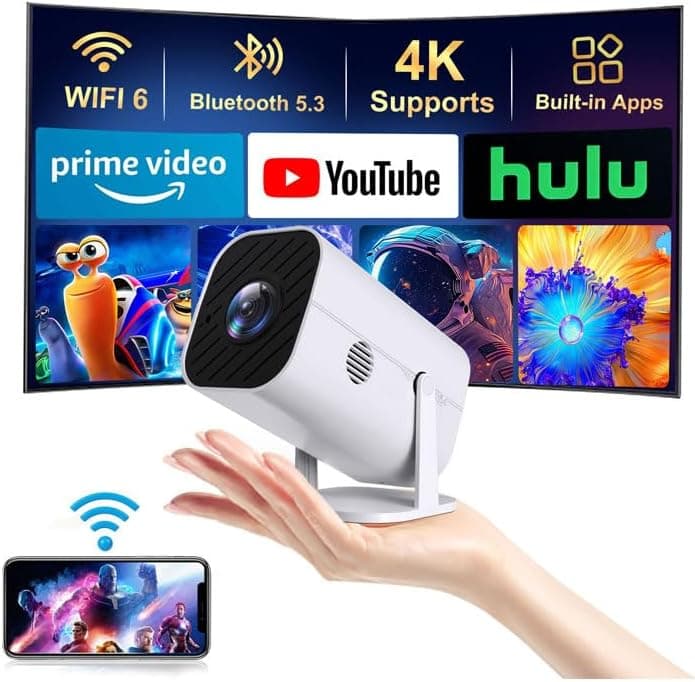
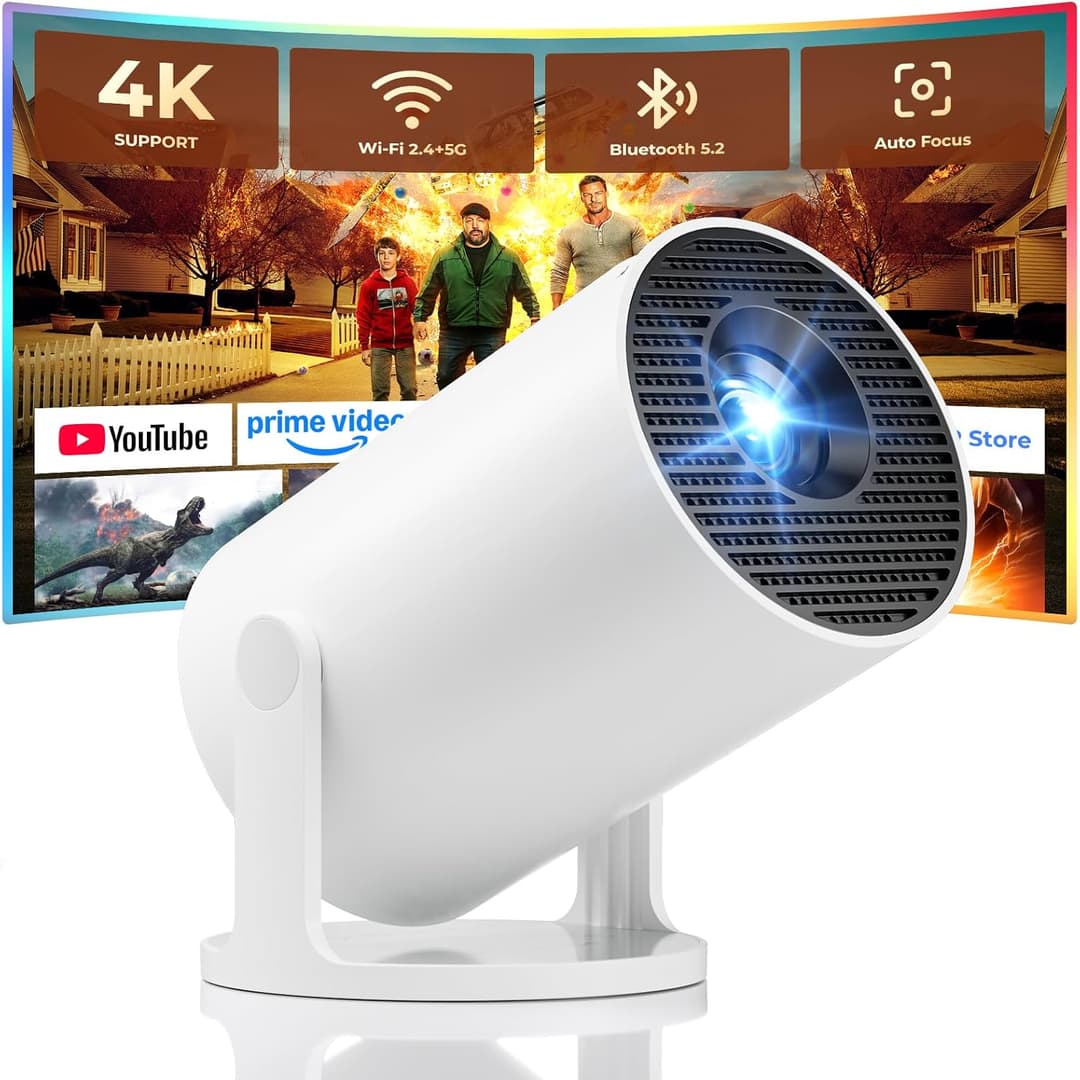
Mini Projector with WiFi and Bluetooth

Built-in streaming

The listing states

  • Apps built in
  • Electric focus
  • 1080p
  • HDMI and USB
  • Works with a phone, console, laptop

The listing states electric focus. The other listings on this page state auto focus or do not describe focus at all.

View on Amazon

With an external source

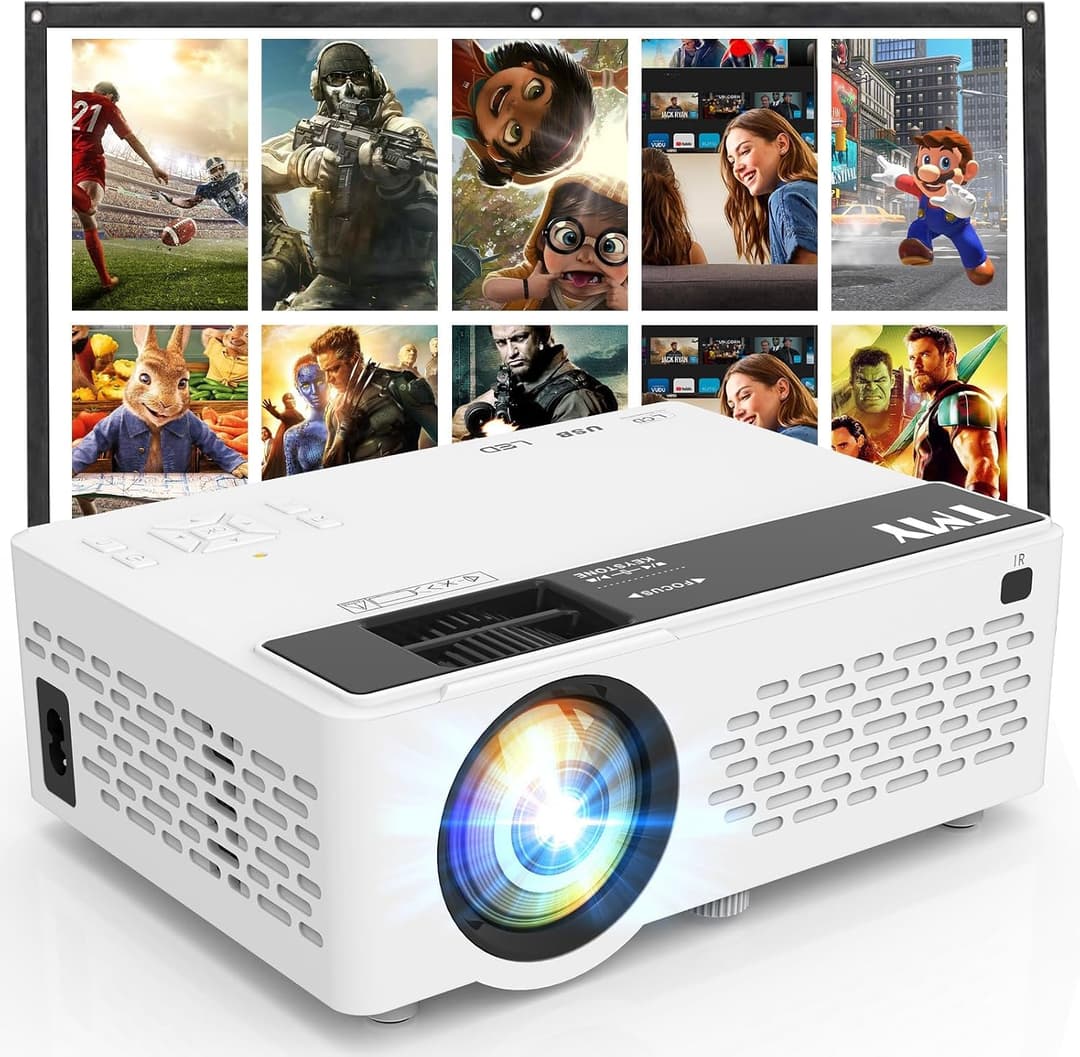
TMY Mini Portable Projector with 80in Screen, Projectors

TMY Mini Portable Projector with 80in Screen

With an external source

The listing states

  • 1080p supported, not stated as native
  • 2-way Bluetooth
  • 80 in screen included
  • Works with a TV stick, phone, PC, console
  • HDMI and USB

Read firstThe listing states that 1080p is supported. It does not state a native resolution, and those are two different claims. Supported describes what the projector will accept from a source; native describes the panel inside it. Nothing on this page fills that gap, and no figure is assumed in its place.

View on Amazon
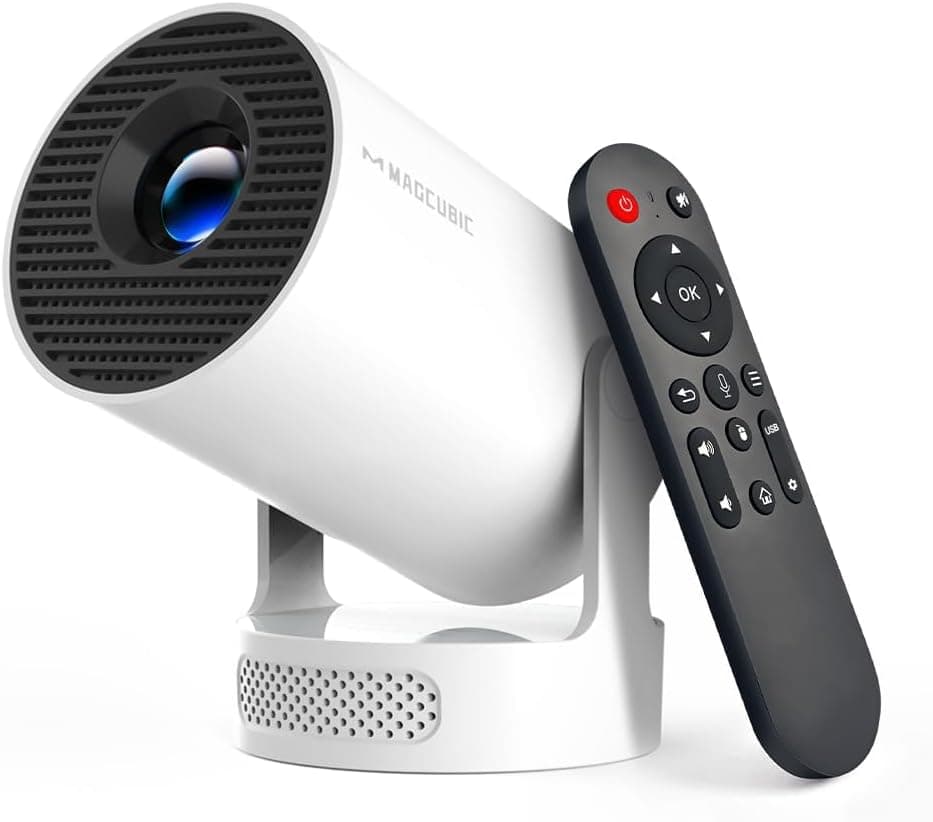
HAPPRUN Native 1080p Outdoor Projector, Projectors

States a native resolution

HAPPRUN Native 1080p Outdoor Projector

With an external source

The listing states

  • Native 1080p
  • Portable
  • Built-in speaker
  • Indoor and outdoor use
  • Works with a phone, laptop, console

The listing states native 1080p. It is the only listing on this page that uses the word native about its resolution rather than describing what it supports.

View on Amazon

Before buying