Home theater by the room
Measure first.
Then buy.
Every position in a room has three measurements that settle it, and each one rules something out. Take them with a tape measure, in the room, before a single part is chosen. The parts pages exist for after that, and they compare products only on figures the listings actually publish.
Start with a roomFive positions
Layouts
Seven rooms, each with the three measurements that decide it.
Distances
How far, how high, how far apart, with the arithmetic printed out.
Signal
What a cable carries, how long it has to be, and where it may go.
Power
Sockets, cords, and the short list of things that never share one.
Parts
Six groups compared on the one figure their listings actually publish.
One per position
Each row is the product its own group ranks first, and the figure beside it is the only one its listing publishes.
| Product | Position in the room | What the listing states | Group |
|---|---|---|---|
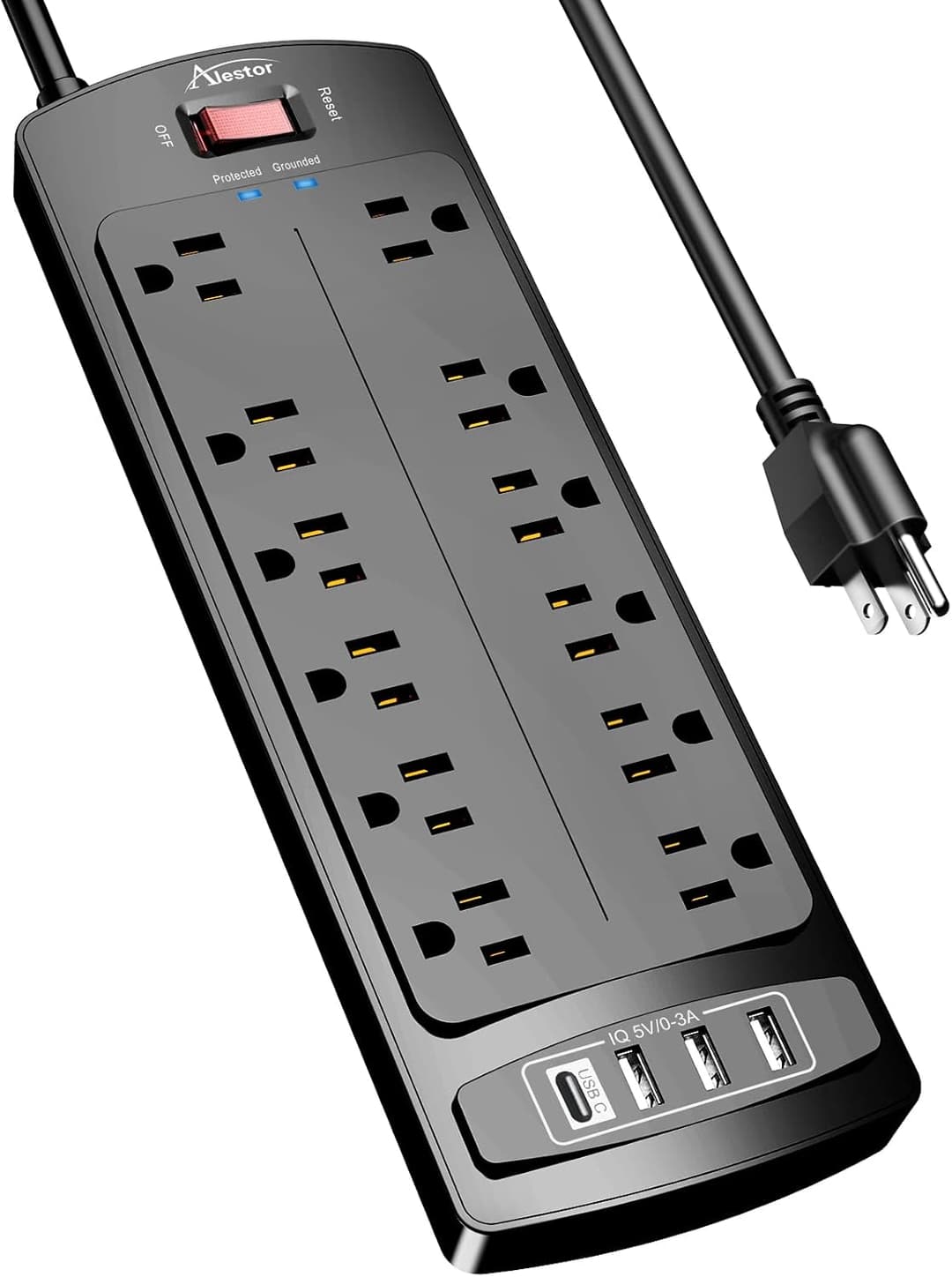 ALESTOR Surge Protector, 6 ft ALESTOR Surge Protector, 6 ft | At the outlet | 2700 J | Power Strips |
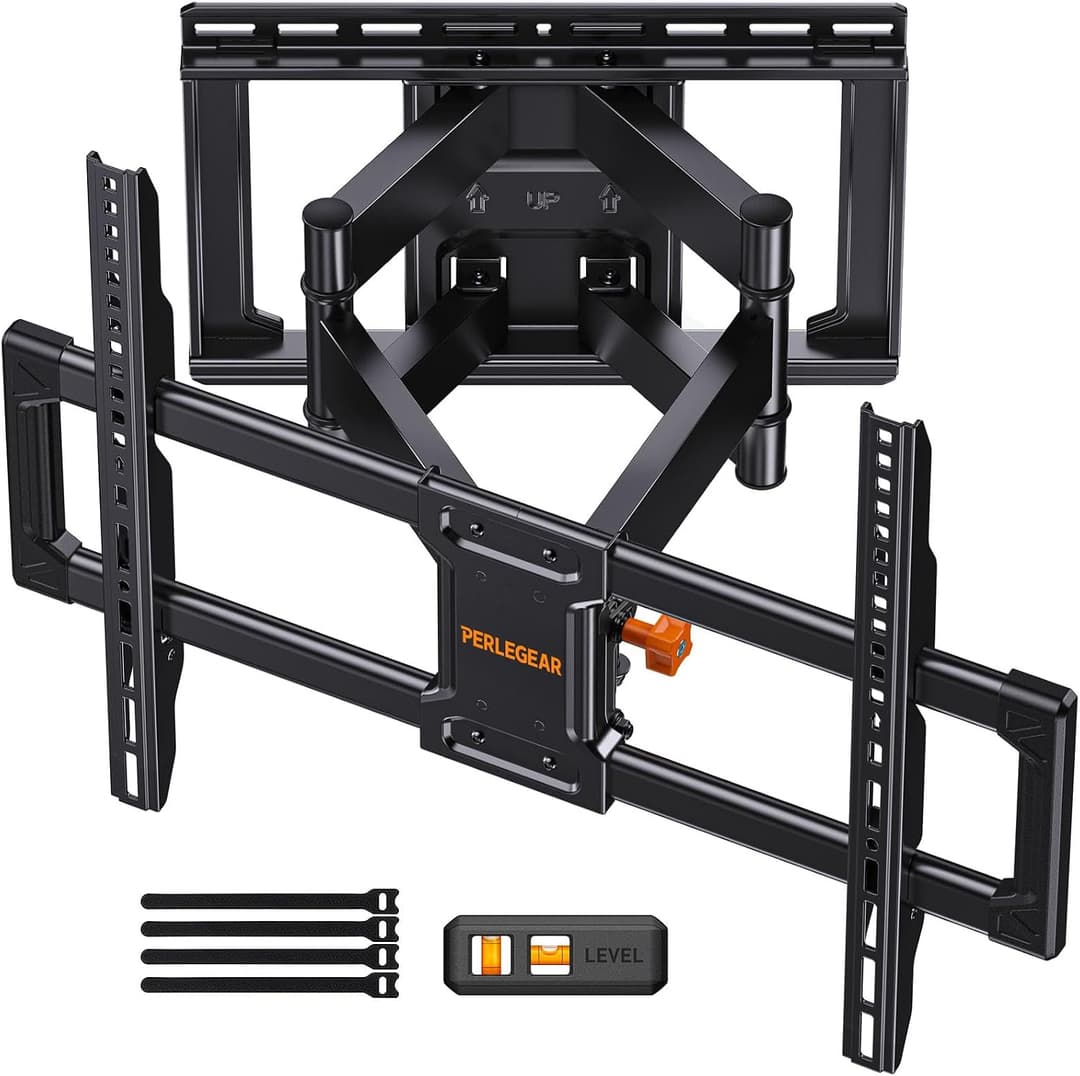 Perlegear PGLF8 Full Motion Mount, 42-90in Perlegear PGLF8 Full Motion Mount, 42-90in | On the wall | 132 lb | TV Mounts |
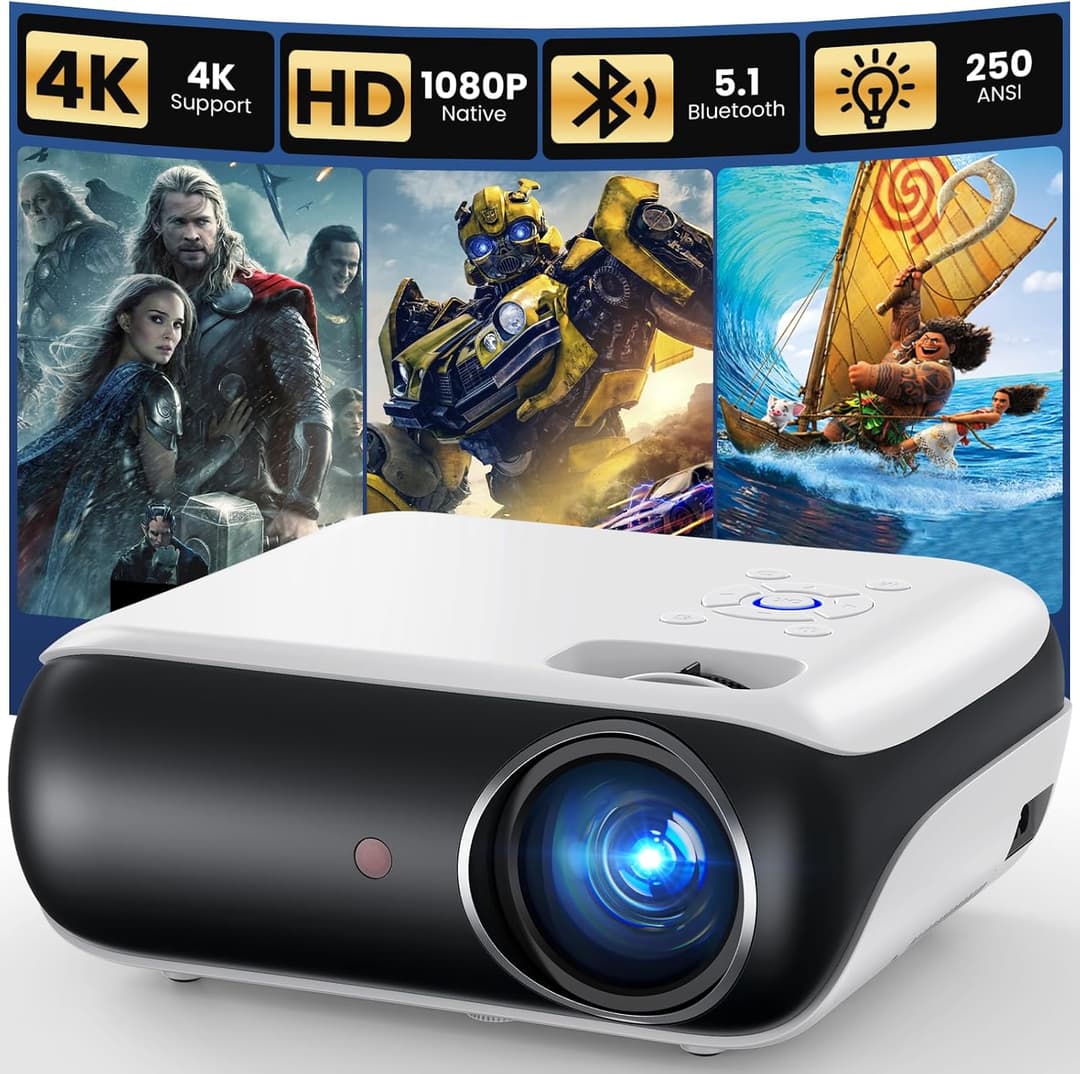 HAPPRUN Native 1080p Outdoor Projector HAPPRUN Native 1080p Outdoor Projector | On a shelf or the ceiling | Not stated | Projectors |
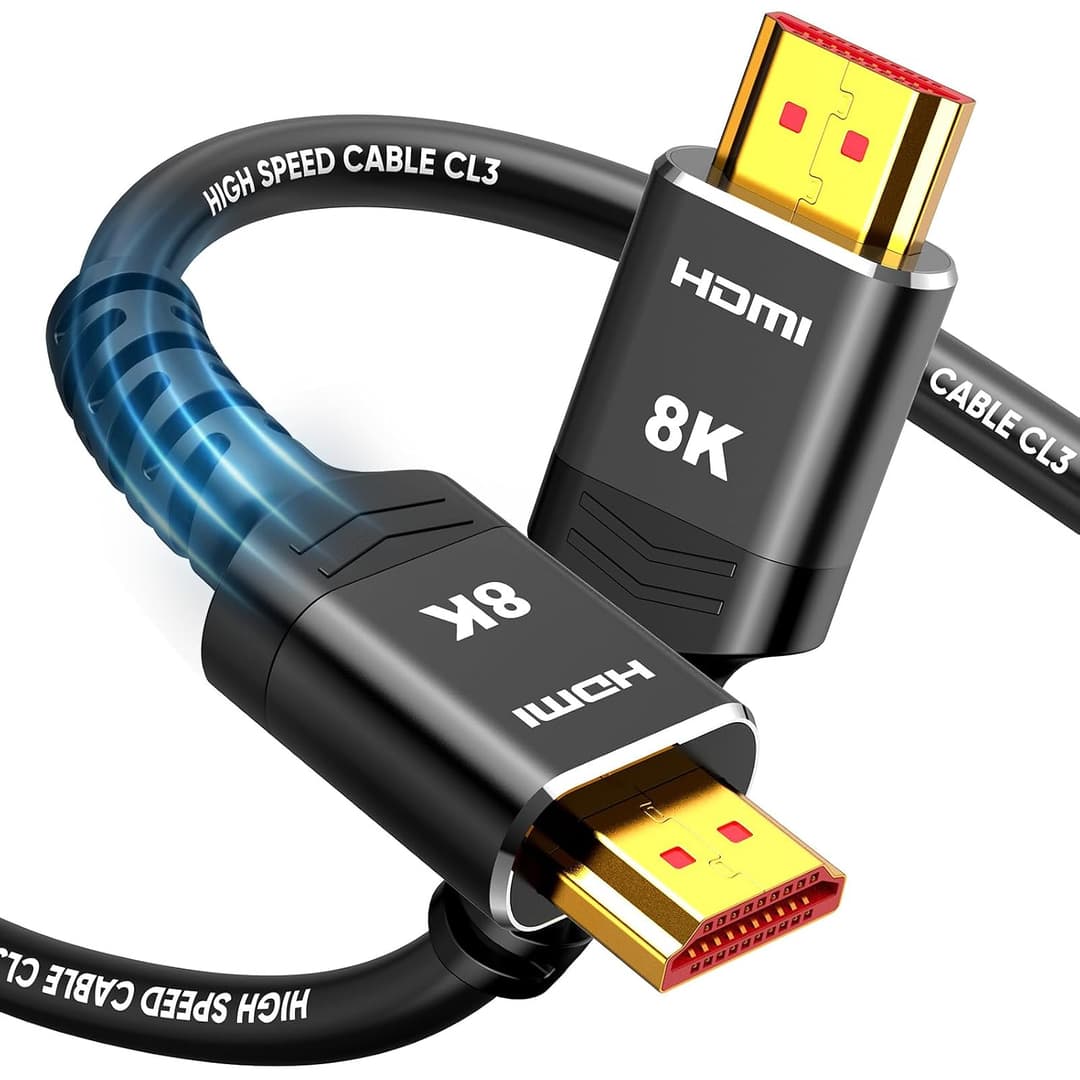 Highwings In-Wall CL3 HDMI 2.1 Cable, 15 ft Highwings In-Wall CL3 HDMI 2.1 Cable, 15 ft | Behind the panel | 15 ft | HDMI Cables |
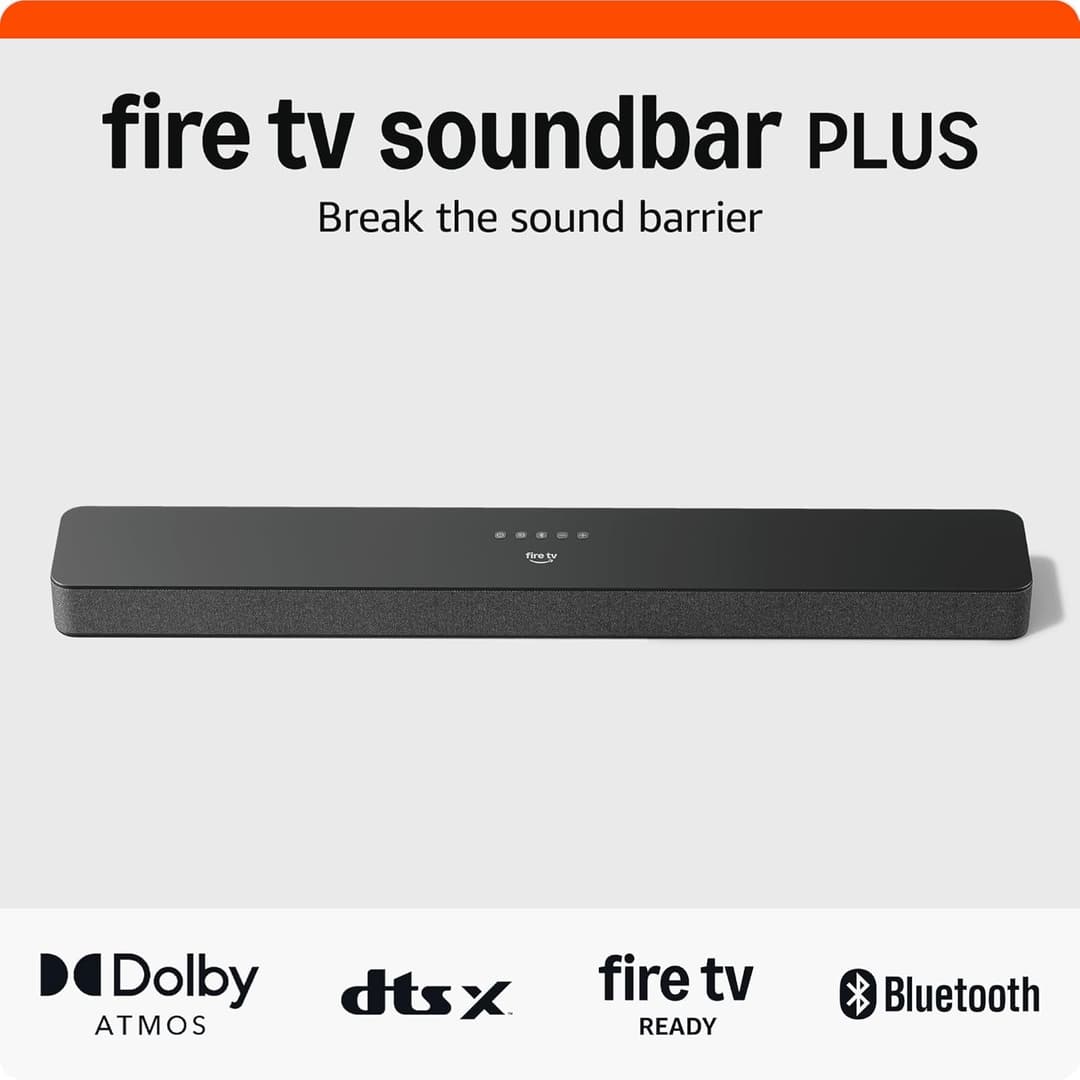 Amazon Fire TV Soundbar Plus Amazon Fire TV Soundbar Plus | Under the screen | 3.1 channels | Soundbars |
 Amazon Echo Studio Amazon Echo Studio | Around the room | Not stated | Room Speakers |
Projectors and Room Speakers share no figure across their listings, so the products inside those groups are never placed on a line against one another.
Three numbers
More rooms are settled by these three than by anything else on the site. Each one has its own page and its own arithmetic.
Floor to the seat
Seating Distance
The distance the picture is watched from. It decides the panel size, not the other way round.
Floor to the screen center
Screen Height
Taken from a seated eye, in the seat you use. Everything a bracket does follows from it.
Weight of the panel
TV Mounts
Read from the documentation for your own panel, then compared against what a bracket states.
Common measuring errors
- Measuring the wall corner to corner, instead of between the things actually in the way.
- Taking eye height standing up, then mounting the screen for somebody who sits down.
- Measuring the straight line to the outlet, instead of the path the cord has to take.
- Using the diagonal where the arithmetic wanted the width or the height of the picture.
Where to start
Measure the room
Layouts
Find the room closest to yours and take the three figures it asks for, standing in the room with a tape in your hand.
Work out the numbers
Distances
Feed those figures into the tools, then read what each one says it leaves out before you trust the answer it gave.
Then compare parts
Parts
Arrive here last, with the numbers already written down, and let them rule out most of what is on the page.